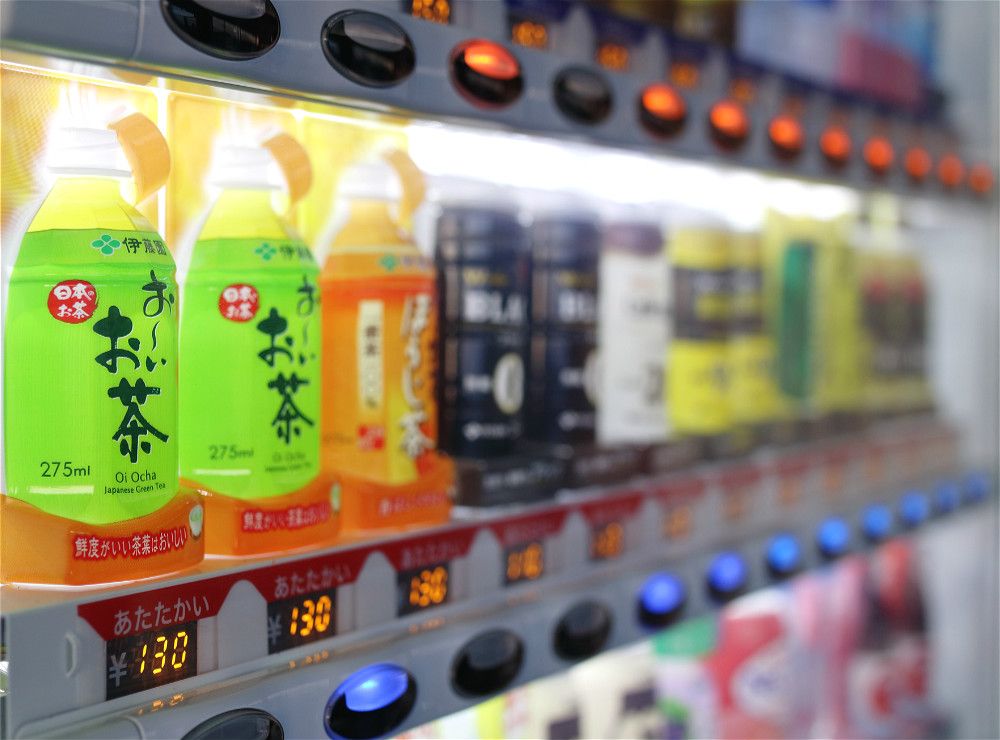
Ever felt that the temperature of a drink from a vending machine wasn’t ideal? In summer, often, when you buy a bottle, it might be warm, or in winter, a hot drink might be only lukewarm. This usually happens when the inventory has just been restocked, and the beverage has not reached its ideal set temperature.
The Temperature Check Trick
Not many Japanese know this, but you can check the temperature of a drink before purchase. Of course, not all vending machine models have this functionality, but most do! The method is actually very simple:
First, press the button for “Change or Refund Money” (look for the characters おつり・回却).

Then select the item you want to buy,

The temperature of your chosen drink will be displayed on the small screen that shows the price.

Some models do not have the symbol °C but will just display a number. This number usually indicates the temperature.

Drink Samrt
If you are fussy about the temperature of your drinks, then you should definitely try this out! You will most likely find this function on most Suntory and Asahi machines. Since it doesn’t take time, you can try it when you buy a drink next time!